For Windows — Like macOS Look Up
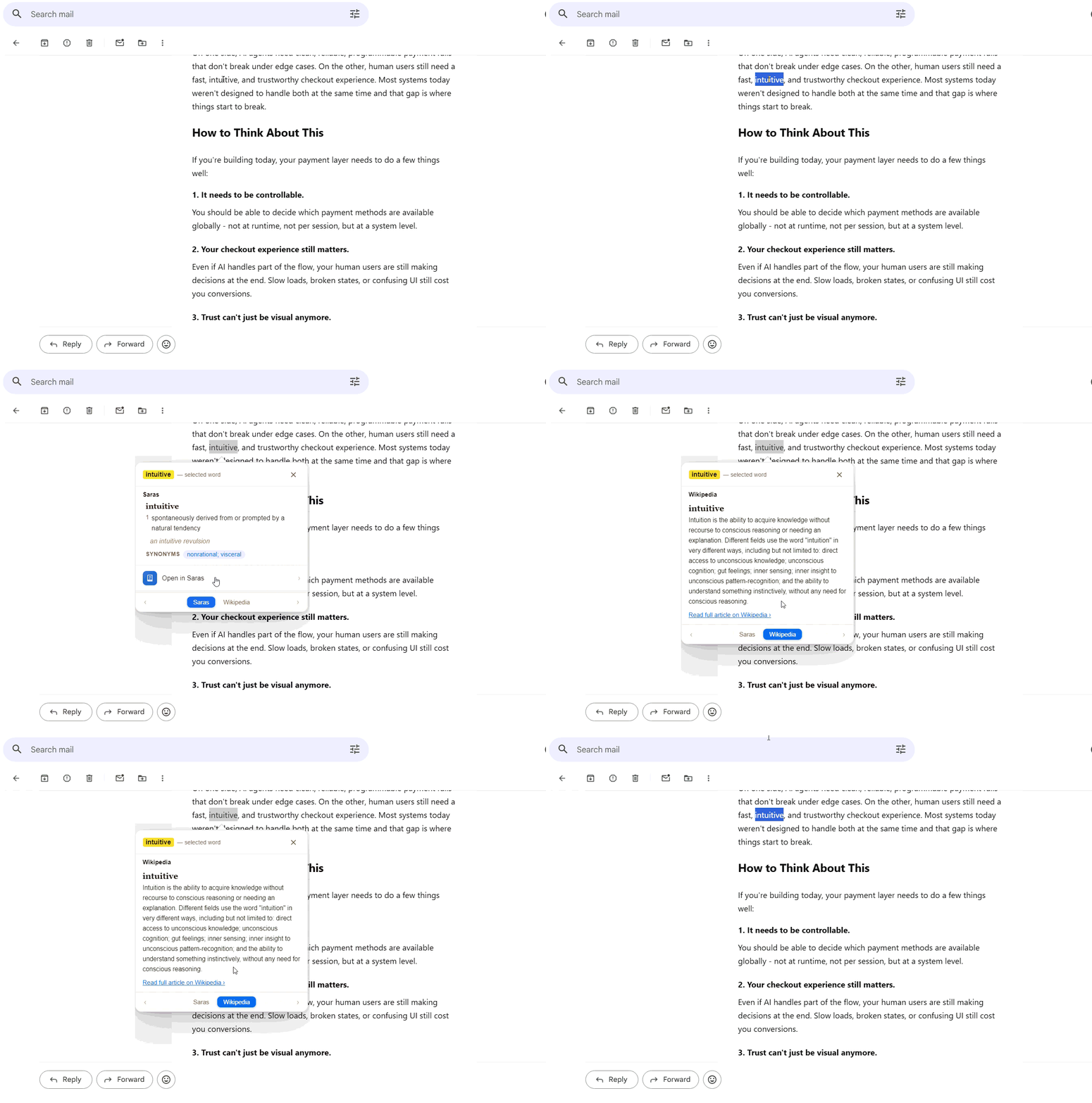
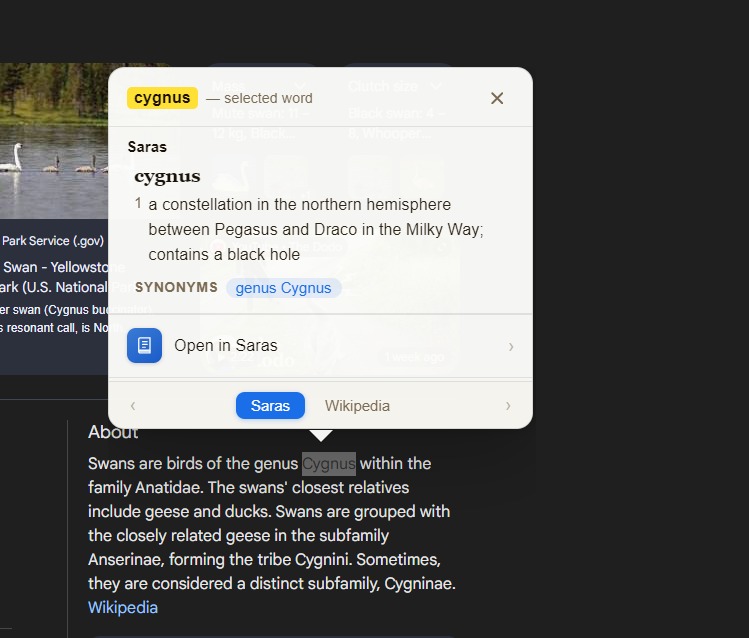
Double-click any word — in a PDF, a browser, a document, anywhere on Windows — and SARAS surfaces its definition in a clean popup. The way reading should work.
Three seconds. Every time.
Works everywhere — browsers, PDFs, Word, Notepad, emails. If you can see text on Windows, SARAS can define it.
A clean, minimal definition card surfaces right where you are. No new windows. No context switching. No friction.
Dismiss with a click or just scroll on. SARAS gets out of your way so you can stay in the flow of what you're reading.
Watch it in action
Interactive preview
This is what reading feels like with SARAS. Hover any highlighted word below.
Built for serious readers
Browsers, PDFs, Word, Slack, emails — any text visible on your screen. No limitations, no exceptions.
The popup appears, you glance at the definition, and you're back in your text within seconds. Zero friction.
Powered by comprehensive dictionaries. Etymology, multiple meanings, usage examples — all there when you need them.
Runs silently in the background using almost no resources. You'll forget it's installed — until you need it.
Simple. Honest.
"We don't believe in subscriptions for tools that don't change. We built something worth $9 — so that's what we charge. One price, everyone pays it, no exceptions, no asterisks."
The story
I switched to Windows and immediately missed the macOS Look Up feature — that effortless double-click-to-define that made reading dense texts so much less painful.
So I built SARAS. It took a few months of evenings and weekends. It does exactly one thing, and it does it very well.
If you read a lot — papers, articles, books, anything — SARAS will quietly become one of your most-used tools.
Questions? Write to eg@gmail.com